
Connect permissions visually
Connect employees, departments, and shared folders so access is visible at a glance.
Easy sharing, easy access, and easier backup
Gleezor Storage Administration makes NAS file operations easier to understand. Connect teams and employees to shared folders, open files from a browser, and restore data from the recycle bin or backups when mistakes happen.
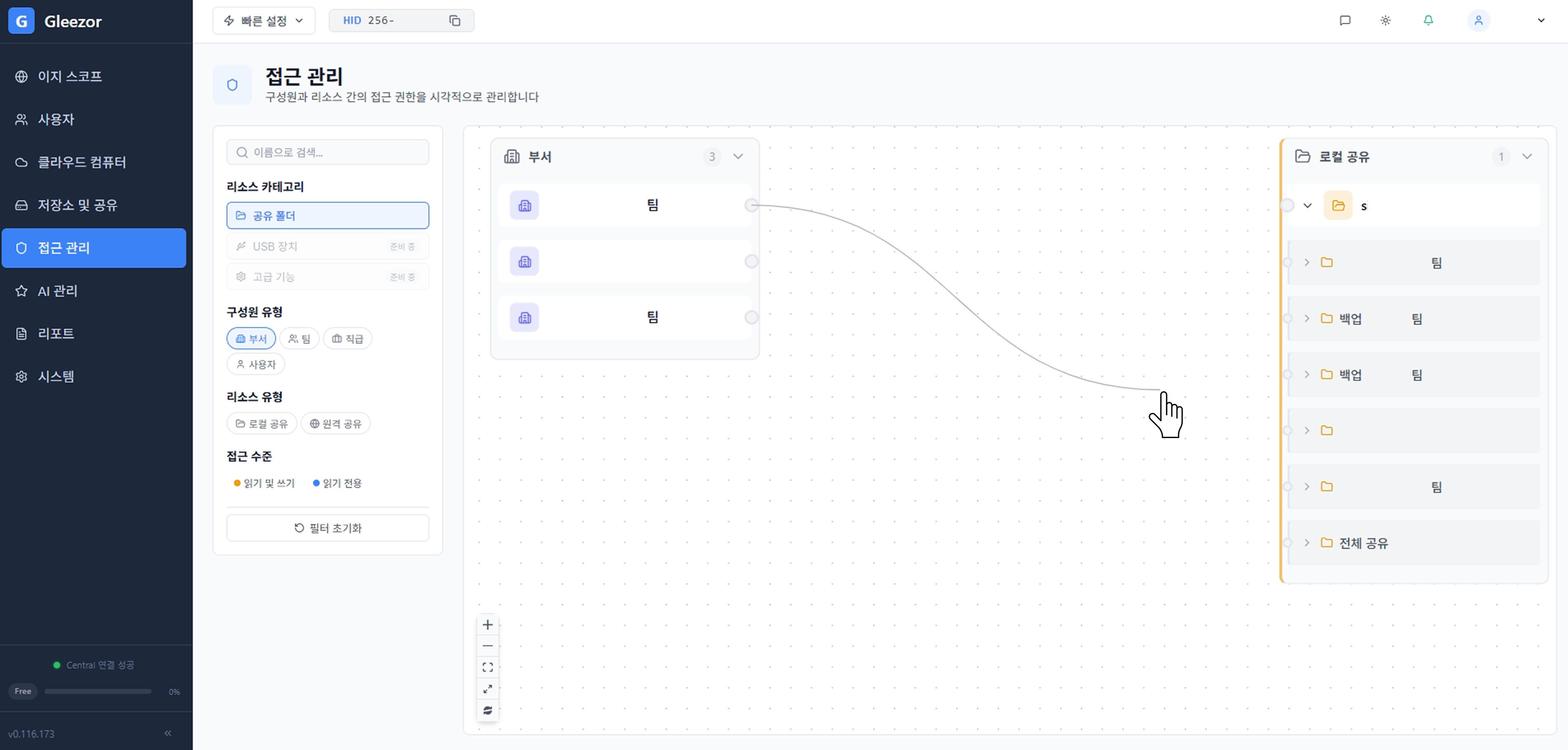
Lines between departments and shared folders represent real access permissions. Admins can see which department can access which folder without reading dense tables.
Connect employees, departments, and shared folders so access is visible at a glance.
Open and download needed files from the web without a dedicated app.
Use recycle bin and recovery rules to bring back files deleted by mistake.
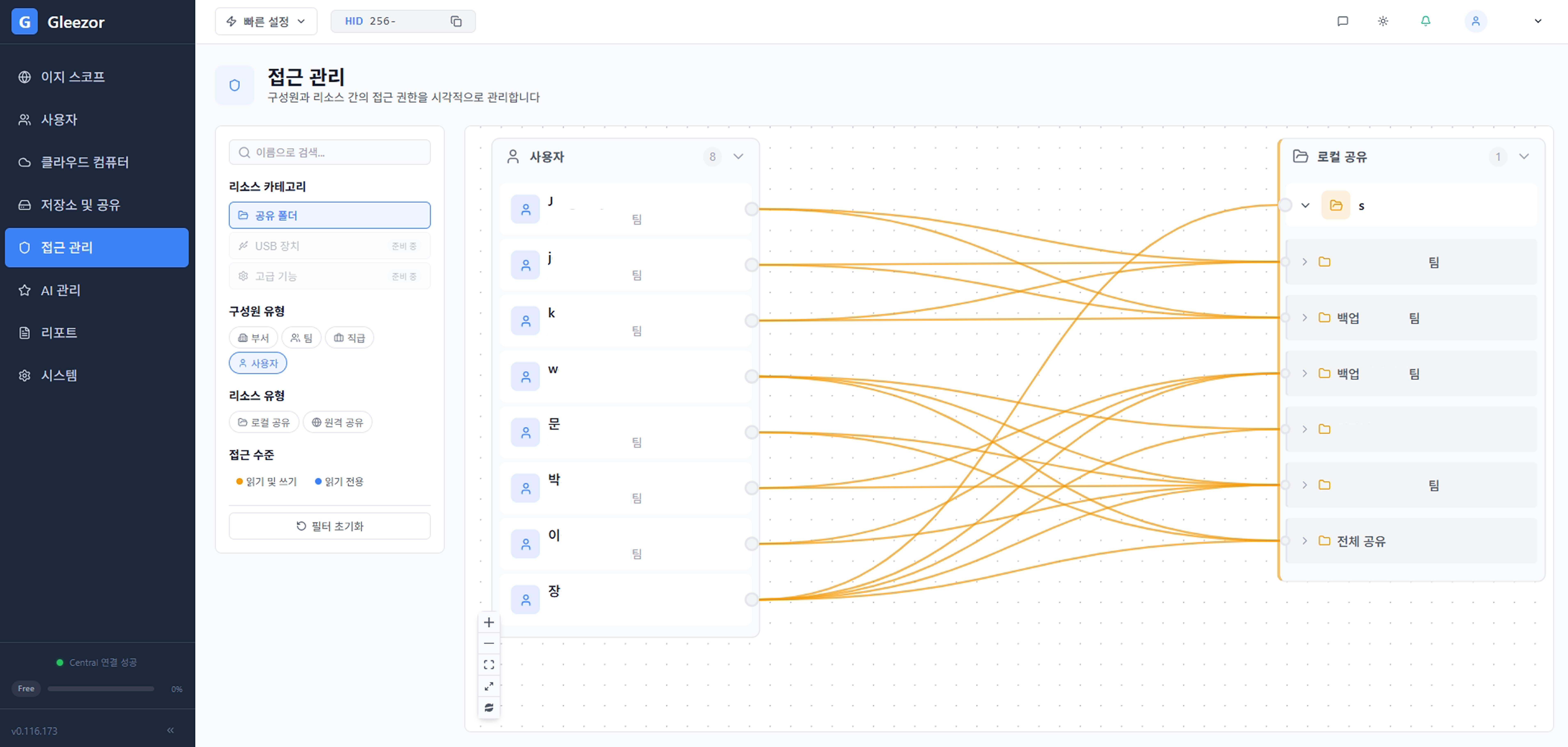
Check which shared folders each employee is connected to. The same screen helps clean up access after departures or team changes.
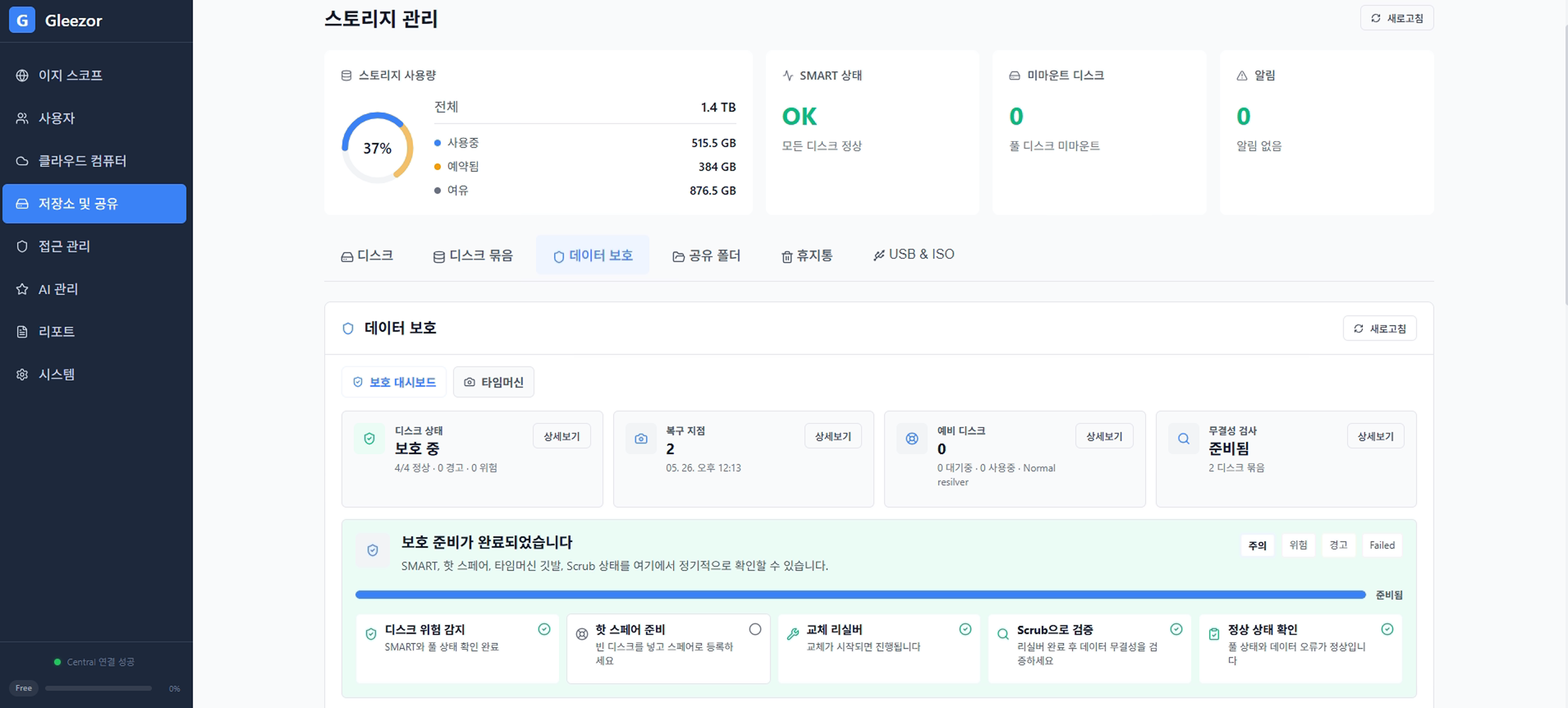
Available storage, protection status, and items needing attention appear together so admins know what to check first.
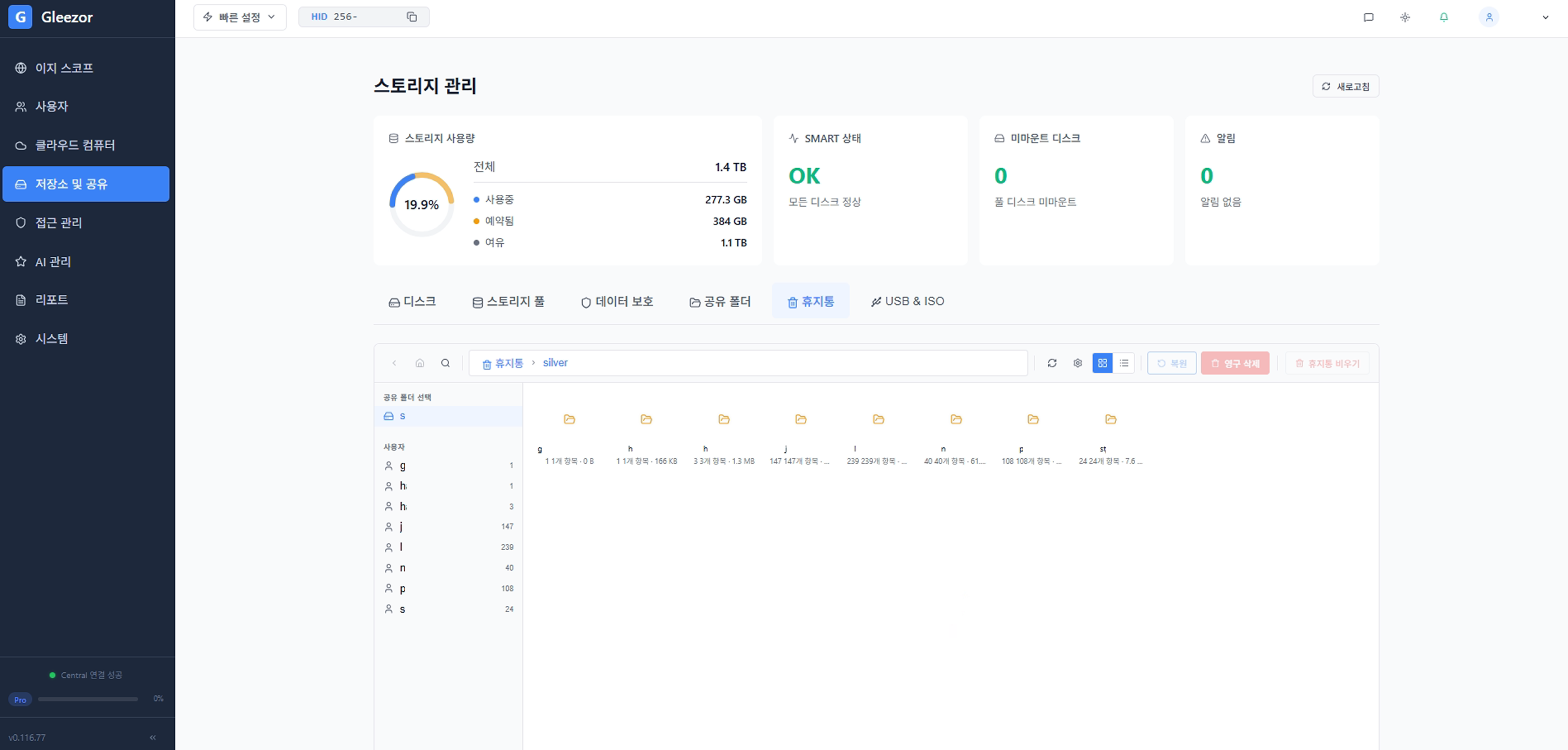
Deleted files are checked in the recycle bin first. Restore needed files and clean up files that are no longer required.
Do not rebuild the structure from scratch. Start with existing department, customer, and accounting folders.
Separate folder access by role such as owner, team lead, staff, or partner. Use the same screen when employees change.
Set protection rules for important folders first so deleted or overwritten files can be restored.
When sales, accounting, and operations folders pile up, simply clarifying who can access what reduces mistakes.
If important files have ever been deleted or overwritten by mistake, recycle bin and recovery rules make daily work safer.
Download the installer, start with the features you need, and expand when ready.
Download installer