
Work computers per employee
Create and assign the work screen each employee needs from one place.
A managed work computer employees can open anywhere
Create and assign employee work computers from one central console. Employees reopen the same screen from the office, home, or field, while admins review connection status and items needing attention in one place.
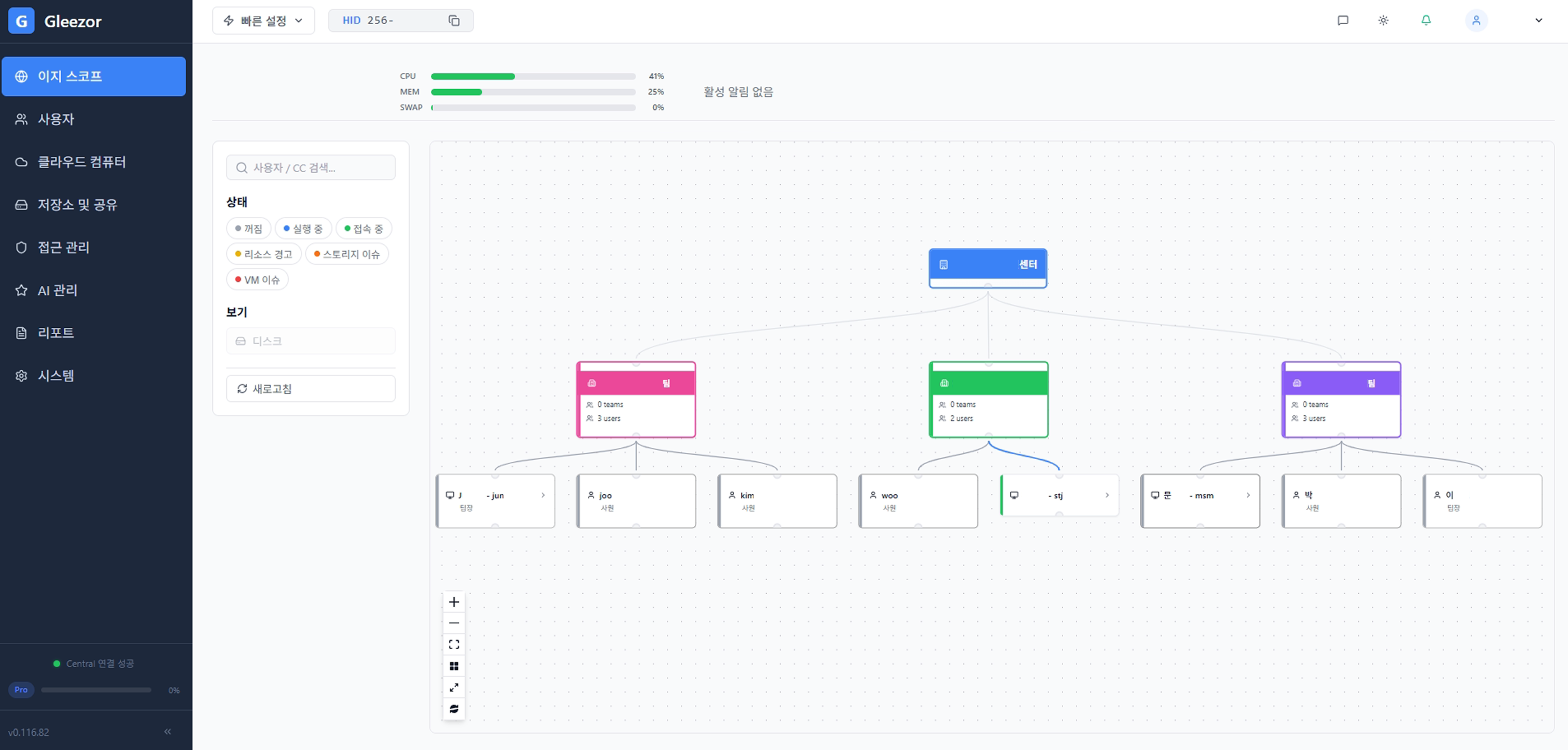
Easy Scope shows the company structure and employee work screens like a map. Admins can start from employee setup, department review, and computer status in one screen.
Create and assign the work screen each employee needs from one place.
Use the same apps and file locations from the office, home, or field.
See which employee computers are running and which items need attention.
Use desk PCs as access devices while the important work environment stays central.
Opening the screen from outside leaves the files on the company server, so a lost laptop does not lose data.
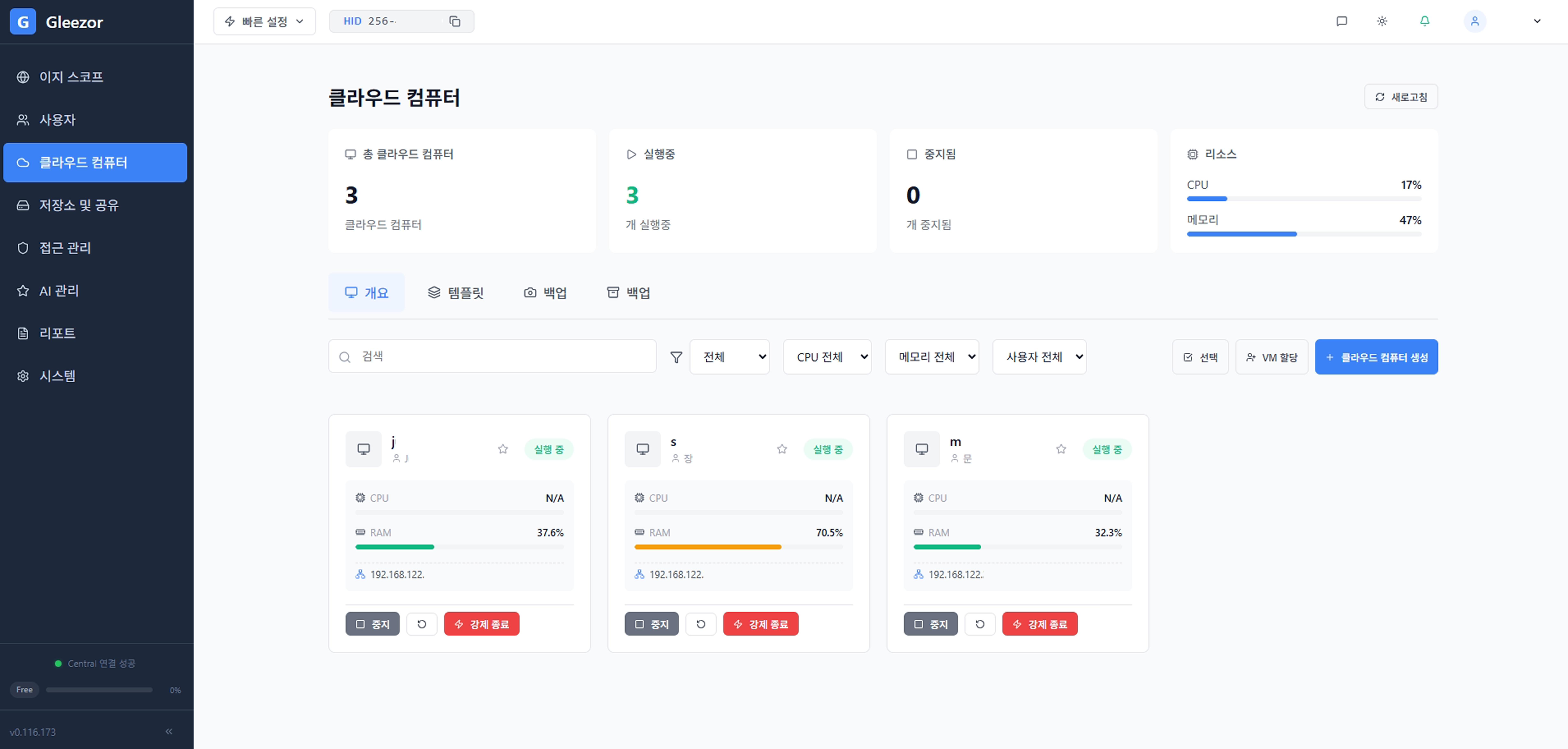
Employee work computers are organized as cards. Review normal, waiting, and needs-attention states before opening a specific screen.
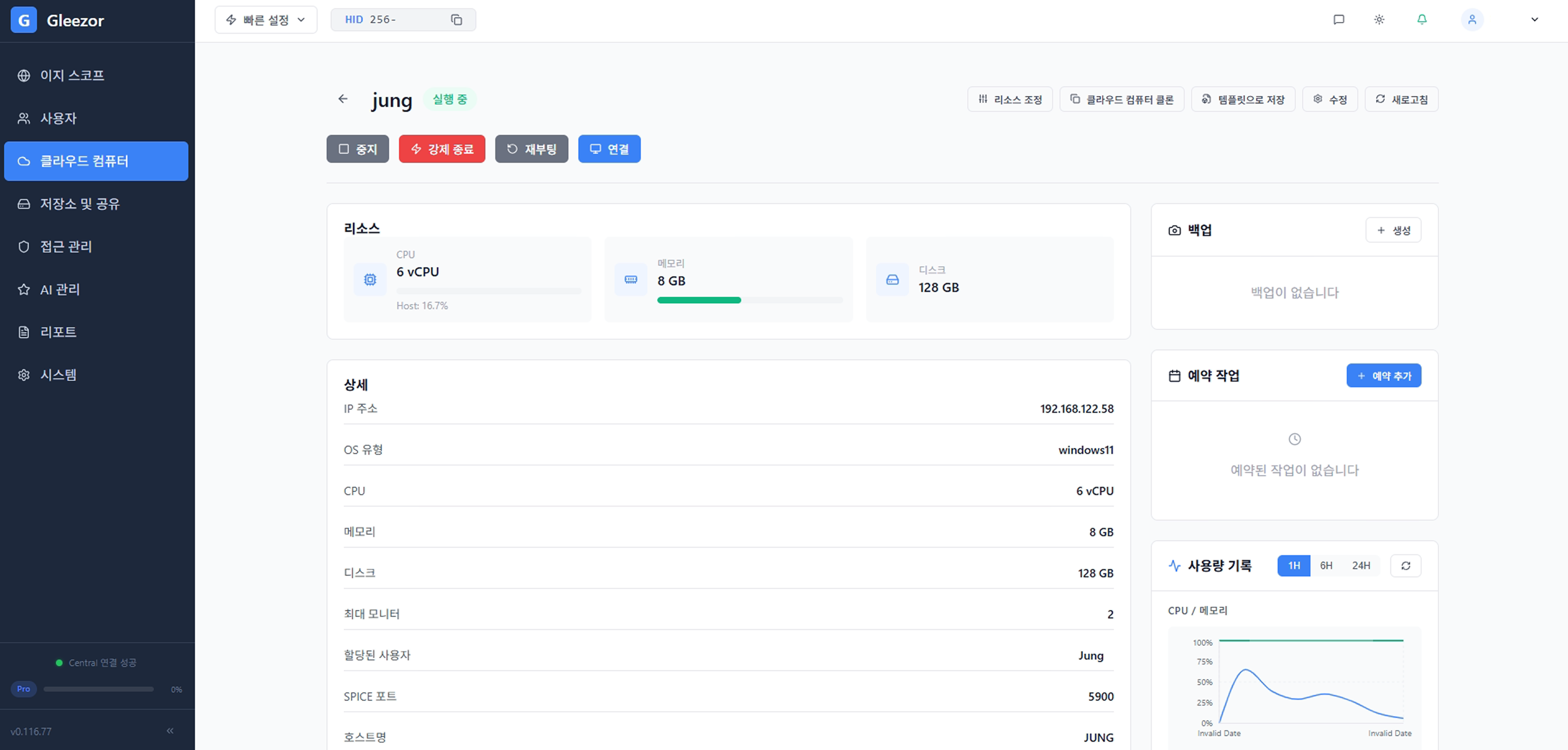
Employees do not memorize server addresses. They sign in, choose the assigned computer, and press connect.
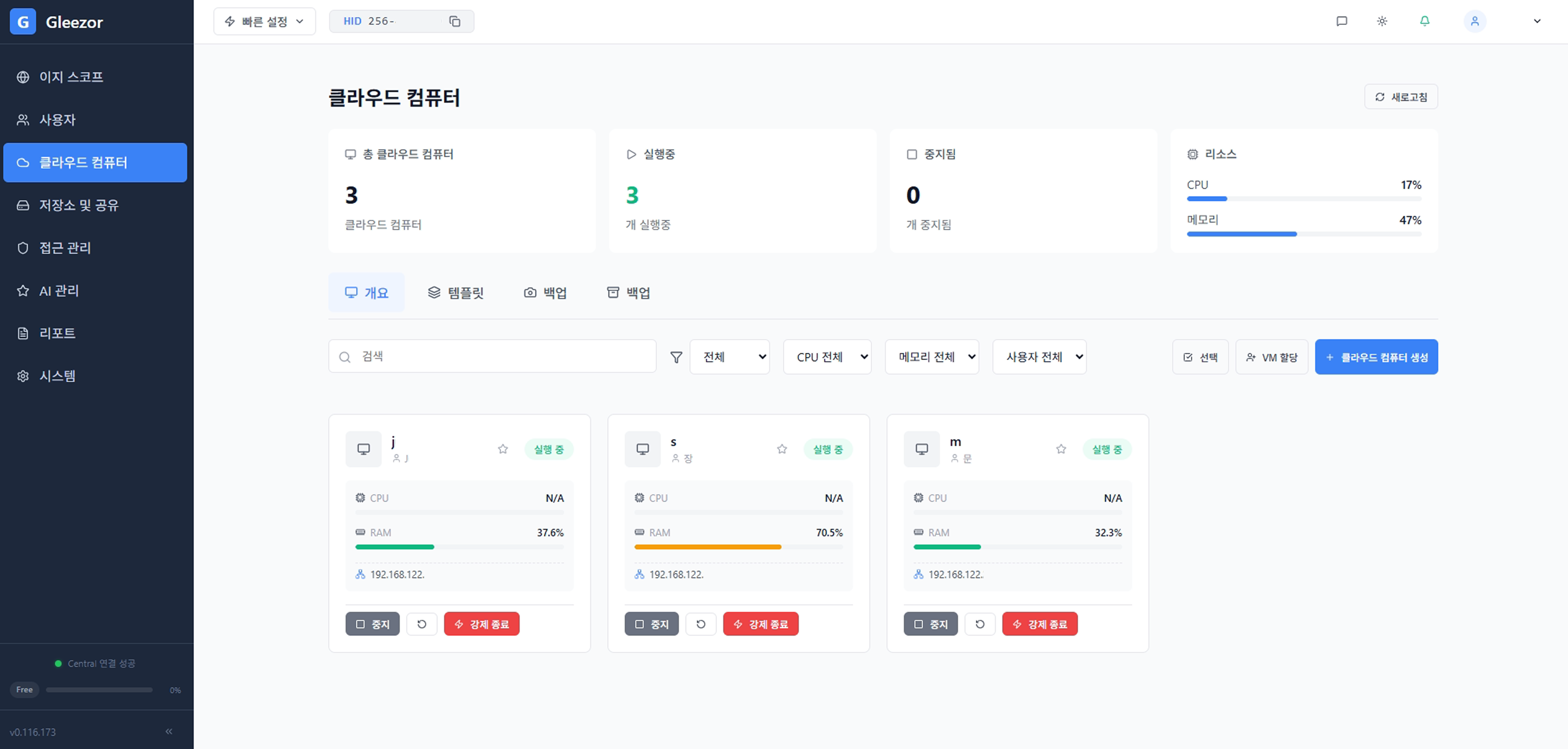
Start from employees and departments, then review connected work computers and access status. The flow follows the real company structure.
Register the company, departments, and employees as they exist in the office. The system then shows who belongs to which team.
Assign a work screen to each employee. Work apps, shared folders, and access permissions are managed by company policy.
Employees connect through Gleezor Connect and use company files from central shared folders, reducing scattered local data.
If a laptop breaks or changes, the employee work screen remains central and recovery is faster.
Employees can open the same screen from the office, home, or field without breaking the work flow.
Download the installer, start with the features you need, and expand when ready.
Download installer