
Only assigned computers appear
Each employee sees only the work computers assigned to their account.
Sign in with your company account, choose an assigned work computer, and continue on the same screen from the office, home, or field.
Each employee sees only the work computers assigned to their account.
Employees sign in and choose a computer without memorizing addresses or port numbers.
Install the app, sign in with your company account, and continue on the same work screen.
Admins assign work computers. Employees choose their computer in the app and open the screen.
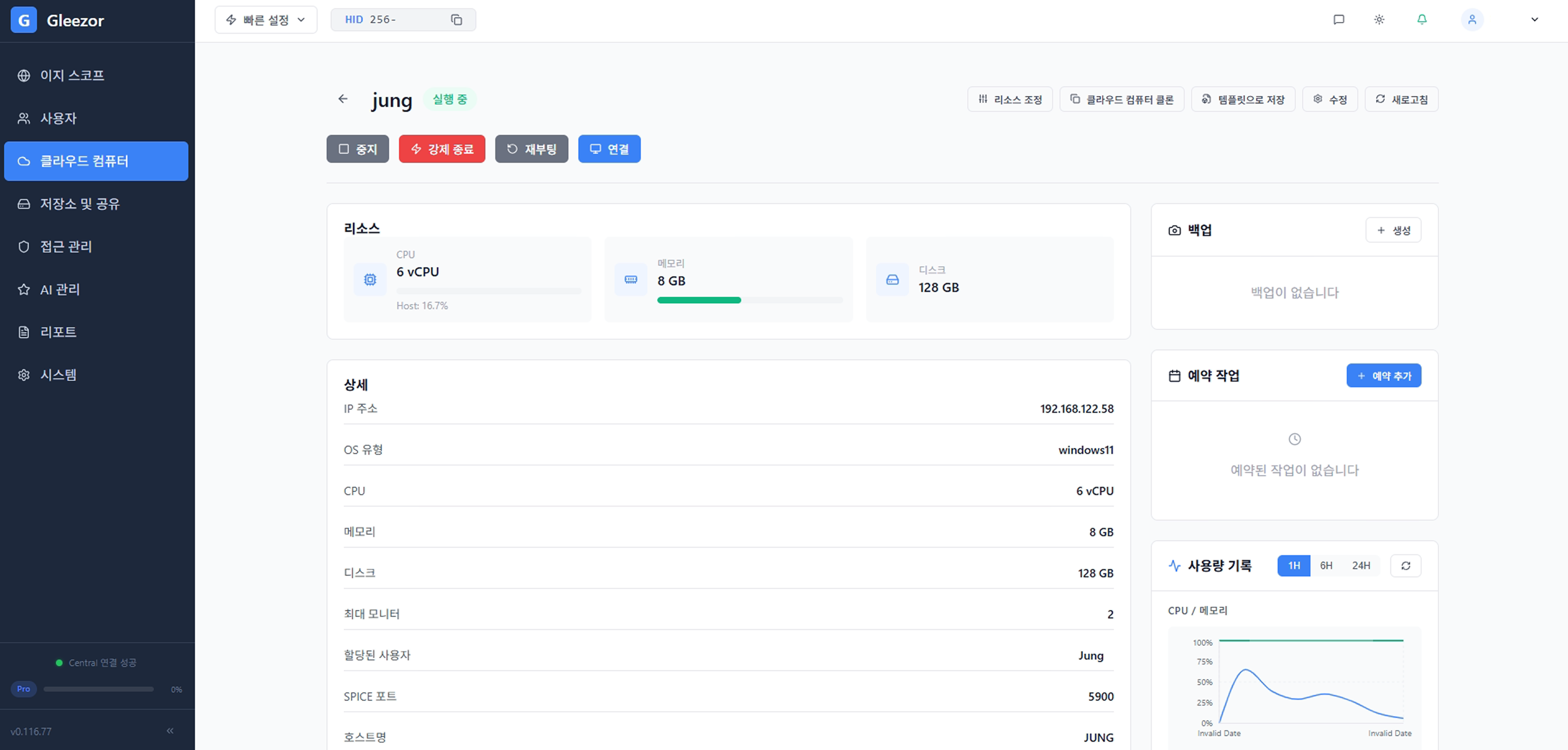
Employees do not need to memorize server addresses, port numbers, or VPN settings. After sign-in, they only see work screens they are allowed to open.
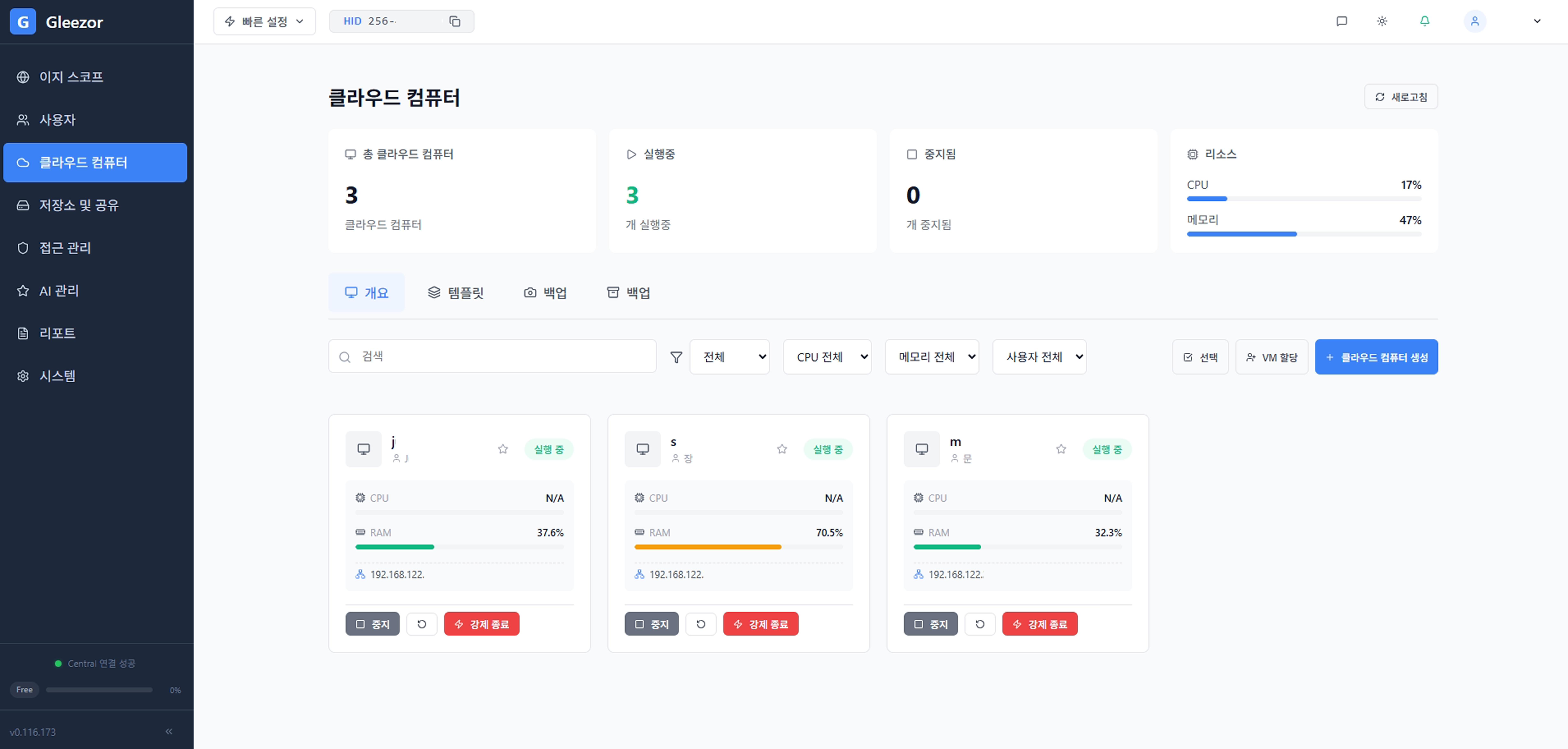
Admins centrally manage employee cloud computers and allowed devices. Access for departed employees or outside contractors is also cleaned up in one place.
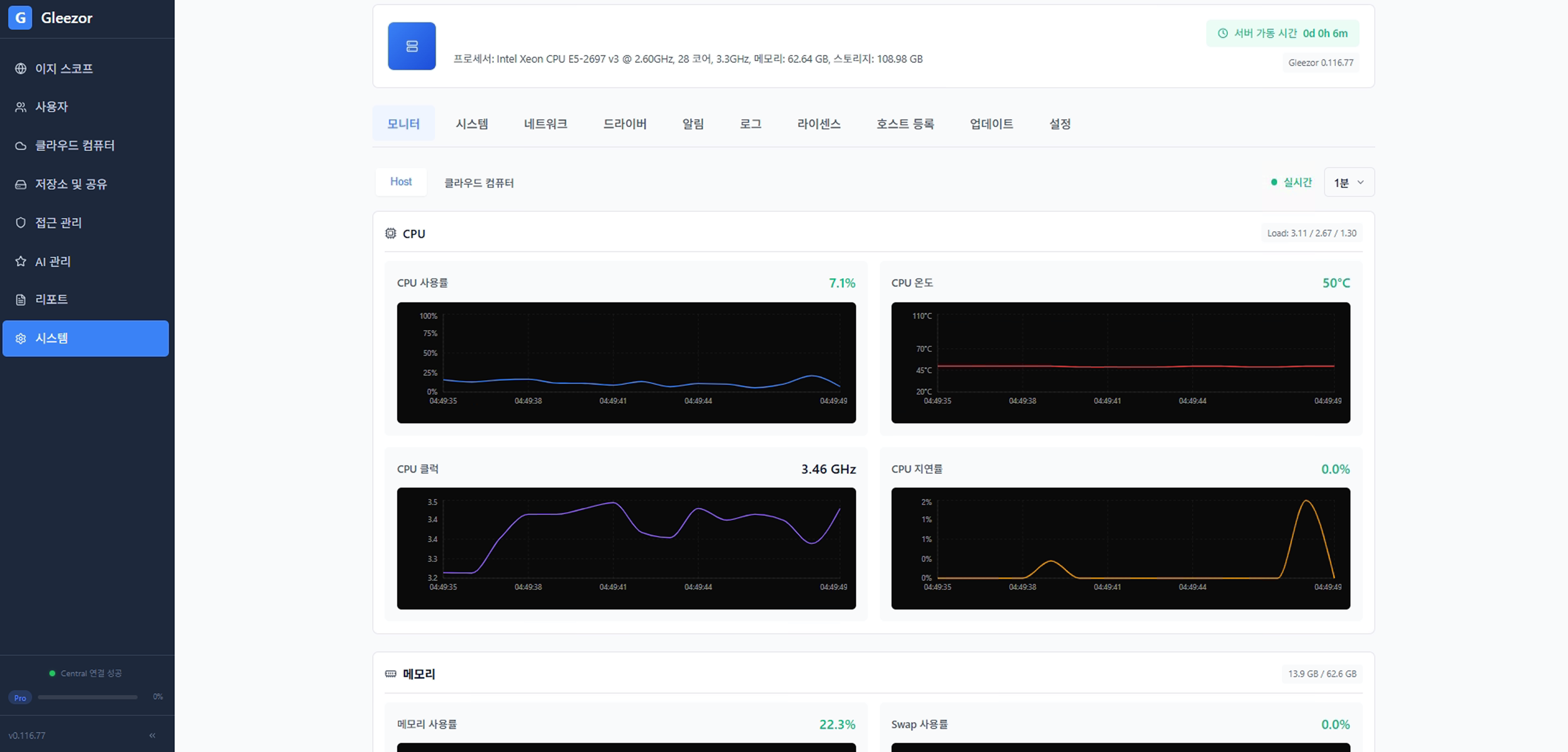
Work applications and files stay on the central cloud computer, while on-site devices can be used only as windows into that screen.
See the simple path from sign-in and computer selection to an open work screen.